Sarah wrote in to ask:
I notice that the pages you make are 12x12. I want to just be able to print 8 ½ x 11 pages instead. Is that possible. Do I have to find templates specifically for that or is there some other trick you can share?
To make a 12x12 template 8.5x11
You can resize your canvas to 8.5x11 by going to the Image Menu, then Resize, Canvas Size and type in the new dimensions.
It will warn you that some clipping may occur, but that's no problem 🙂
Some of the design may be off the page, just click on the top layer in the layers panel and shift click on the bottom layer to select all of the layers and then you can move and resize them with the move tool to get the elements where you want them to be.
Watch me resize a template
These layouts are from a 8.5x11 Ella Publishing Take 12 Template and I resized them to be 12x12
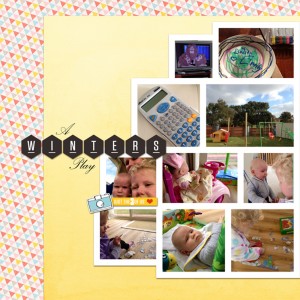
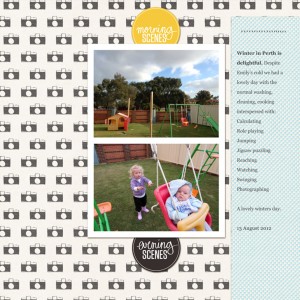
Kit used: Diptych by Paislee Press@ OScraps.com (Part of the Digi Files 44)
Simple, isn't it?

I am an Amazon affiliate so may receive a commission if you make a purchase.


Cool! I didn’t realize it was so simple!
Thank you! Thank you! Thank you for this helpful tip. I had found a group of magazine-style templates by Misty Cato that I really love – but they are 8.5×11 and I am a 12×12 scrapper. Now I know how to make them fit! YAY!!!
Happy to help! 😀